I love WordPress and build all my blogs using the system…including this one! When I refer to WordPress, I do mean the self-hosted version. Basically, you are downloading a copy of the blog publishing platform onto your own web hosting space…so you can do whatever you want with it. The great thing is that this is absolutely free and your web hosting will usually have automatic install options for WordPress. You have full control and will never be at the mercy of other hosted platforms – ahem, if you know what I mean. Let me tell you why I think WordPress is amazing.
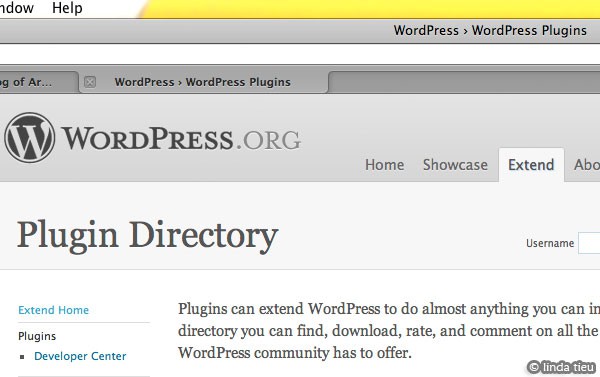
Besides are the normal functionalities of most all publishing platforms out there WordPress has plugins. The system is also constantly being improved and updated with over 25 million people using it to power their blogs. With such a huge community to service, plugins or extensions have been created to add more functions when necessary. Anyone who can do a bit of software development can write a plugin which is not recommended if you aren’t saavy for security purposes! But there are countless established plugins out there to use with no worry. I would like to share a little list of those I have installed, helping me with marketing and pushing my creative business forward.
Akismet
This is already installed with WordPress, but you have to go into the Plugins area and activate it. You will have to sign-up with the Akismet service to get a special unique key. This is simply the best way to combat spam in my opinion. Forget all those crazy captcha and preview methods of filtering commenters – they are annoying to real people!
Broken Link Checker
Very useful tool to make sure you’re blog doesn’t become filled with broken links. I hate hitting broken links! Although no one is perfect, this tool will help you to avoid having old or broken information out there. Even though blogging is chronologically, people might hit any post on your blog. I sometimes go back and read the archives of blogs when I really like the content!
FeedBurner FeedSmith
All my blog feeds are tracked through Feedburner, a free service you can sign up for to track how many subscribers you have. With this plugin, if makes sure anyone who subscribes is tracked through Feedburner. Metrics are supremely important to keep track of over time, to see where you came from, how far you’ve gotten…
Subscribe To Comments
Unless you use a separate commenting system, it can be hard for commenters to receive the replies or follow comments on your blog. If you want to build up the community and encourage discussion, I think this plugin really helps for those who want to keep track of what people are saying. I have switched to just replying on my blog for everyone to see and track if they wish, instead of taking up more email time, replying individually…
Thumbnail For Excerpts
When you click on a category on my blogs, a list of entries pop up and this plugin makes an automatic thumbnail for me, so everything looks nice…instead of just text links.
RSS Footer
This plugin adds a special footer to your RSS feed entries…so whatever reader or however it might be organized for someone else…at least the credit is always there and available.
Efficient Related Posts
Another one I just added, replacing the Linked Within one I used to have installed. It’s just a basic list of related posts at the end of every post page. This will encourage readers to check out other posts that are related and it gets the relations from the tags you have entered. This efficient version basically creates all the connections when you update or add a post. So the viewer will never have to wait a long time to see the list of related items.
All in One SEO Pack
This is something I just installed in trying to improve my web presence. The plugin basically let’s me type in the title, description and keywords for every page and post of the blog. SEO means search engine optimization and by having this control over all the content of your site, you can optimize your code…basically make it so that people searching for xyz information on your website can actually find it better!
I hope you’ve learned something about the power WordPress and plugins…and there are many more out there that might help improve your blogging workflow. There are plugins to create polls or generate photo galleries…check them out and see what will help you improve your site. Don’t hesitate to try out plugins, because you can always uninstall if it doesn’t work for you. I think it’s important to take a look at your blog and whip it a bit into shape…every month if possible. A bit of cleanup or improvement scheduled in…just like cleaning your house or taking care of your household tools. Machinery has to be tuned up and there’s always something you can update. That’s all for this week’s creative business 101…ciao ciao!